
Launching secret search
Search for secrets in a single project
To launch the search for secrets, go to the Secrets tab of the selected project and click the Run secrets analysis button, after which the search for secrets in this project will start.

Depending on the size of the project, the analysis can last from a few seconds to a few minutes.
Scheduled search for secrets (VCS Projects)
In addition to manual runs, you can set up scheduled analysis of individual projects.
This is controlled on the project page in Settings -> Projects.
By default, the Secrets Scan Schedule parameter is set to Off. To activate scheduled analysis, you need to select On and select time and days of week.
Note: Selected time will be treated as UTC +3.
Note: Search won't start if no secrets engine configuration for project is selected.
Search for secrets in all projects
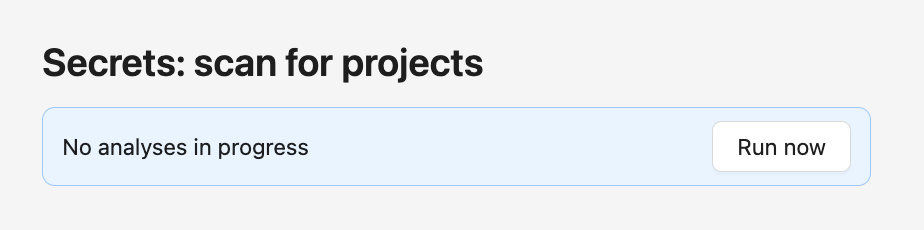
To launch the search for secrets in all projects, go to the Workmode section and click the Run now button under the Secrets: scan for projects heading.
Scheduled analysis
In addition to manual launch, you can set up scheduled analysis of individual projects. This is managed on the project page in the Settings -> Projects section.
By default, the Secrets Scan Schedule parameter is set to Off. To activate scheduled analysis, select On and specify the time and days of the week.
Note: The scan time will be calculated according to UTC +3.