
Launching TQI analysis
Analysis of a single project
After a successful cloning of a project from VCS on its page in the TQI -> Projects section, it becomes possible to launch two types of analysis:
- Duplicate analysis
- Author analysis
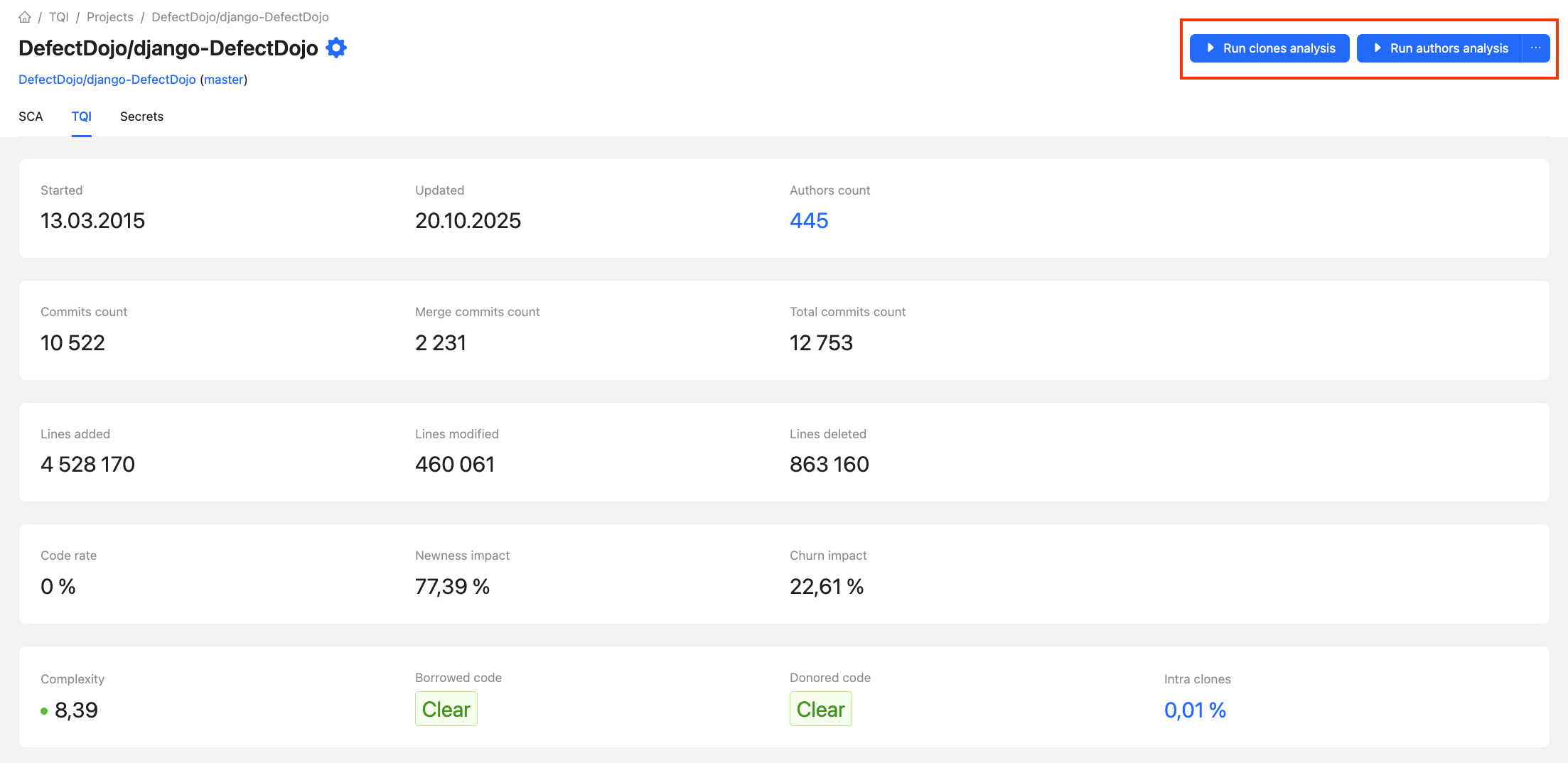
After launching the analysis, the process runs in the background, and upon its completion, the results become available on the project page.
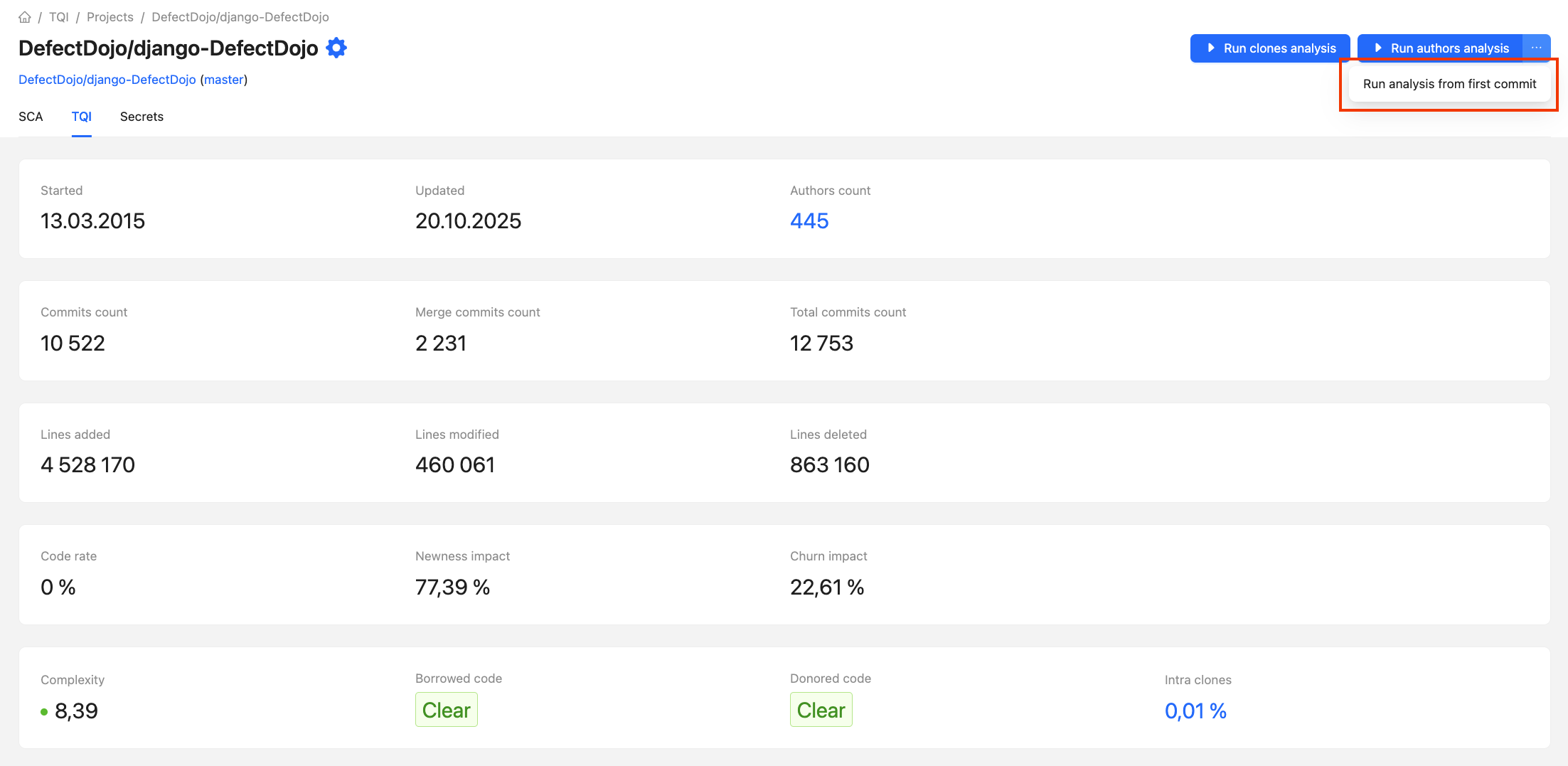
Analysis from first commit
It's also possible to run authors analysis from first commit. Analysis will process all commits in project repository and update data in CodeScoring.
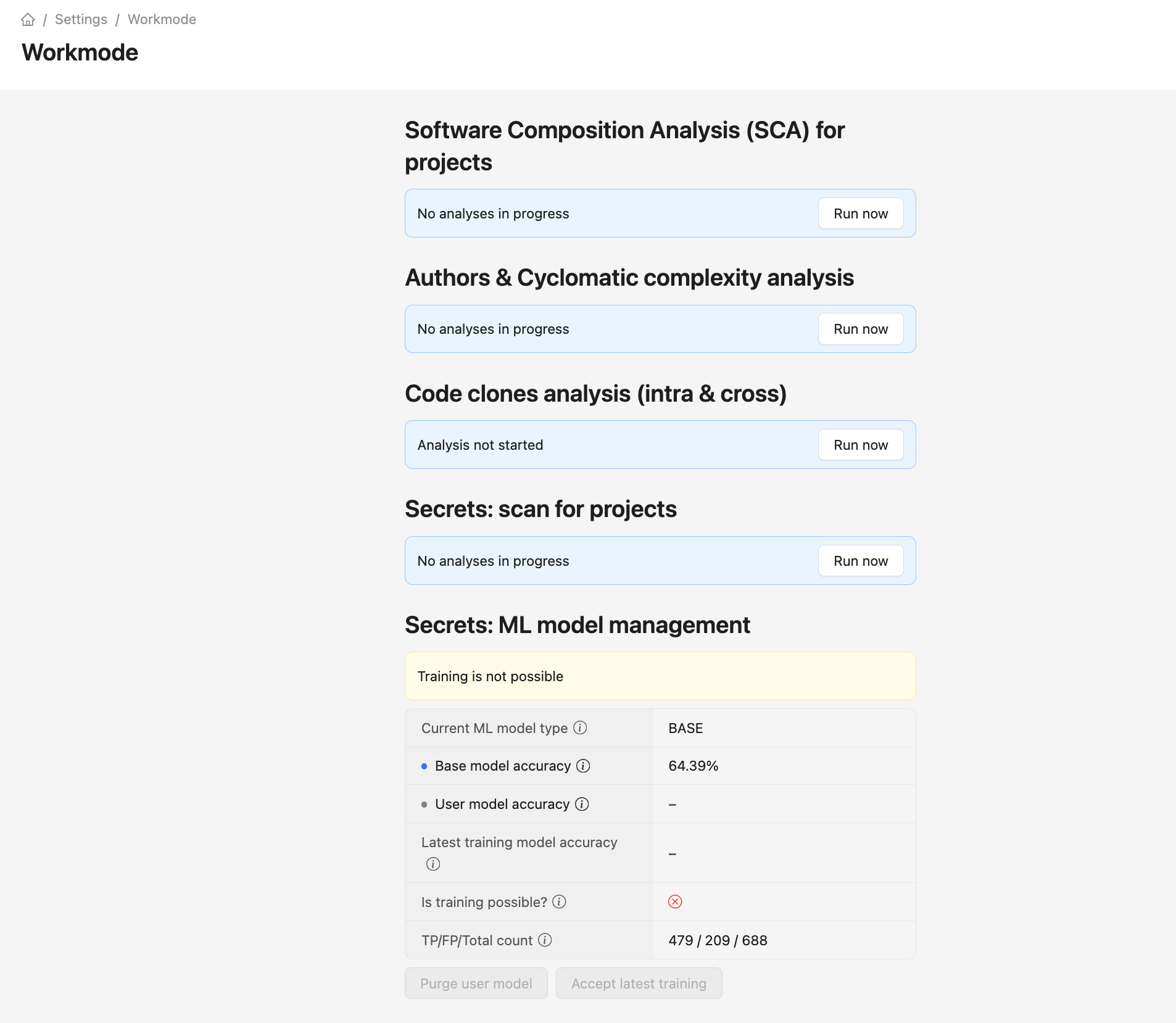
Analysis of all projects
To launch the analysis for all VCS projects in the system, go to the Settings -> Work mode section and launch one of the two types of analysis.
Scheduled analysis
In addition to manual launch, you can set up scheduled analysis of individual projects. This is managed on the project page in the Settings -> Projects section.
By default, the schedule is not configured and turned off.To activate scheduled analysis, you need to enable it and specify the time and days of the week. Scheduled analysis of duplicates and authors can be configured independently.
Note: The scan time will be calculated according to UTC +3.