
Setting up engine configuration
-
To start working with the Secrets module, you must first create a project in the
Settings -> Projectssection. -
After creating the project, you must set the secrets engine configuration in the
Settings -> Secretssection by opening the form using the Setup new button. -
In the configuration form, specify a name, select an engine for searching for secrets in the code, and provide its standard configuration. The configuration will be passed to the selected engine during scanning.
In the Verification tool field, you can select one of the supported engines:
- Gitleaks 8.27.0;
- TruffleHog 3.93.8;
- Kingfisher 1.102.0.
Example configuration for Gitleaks:
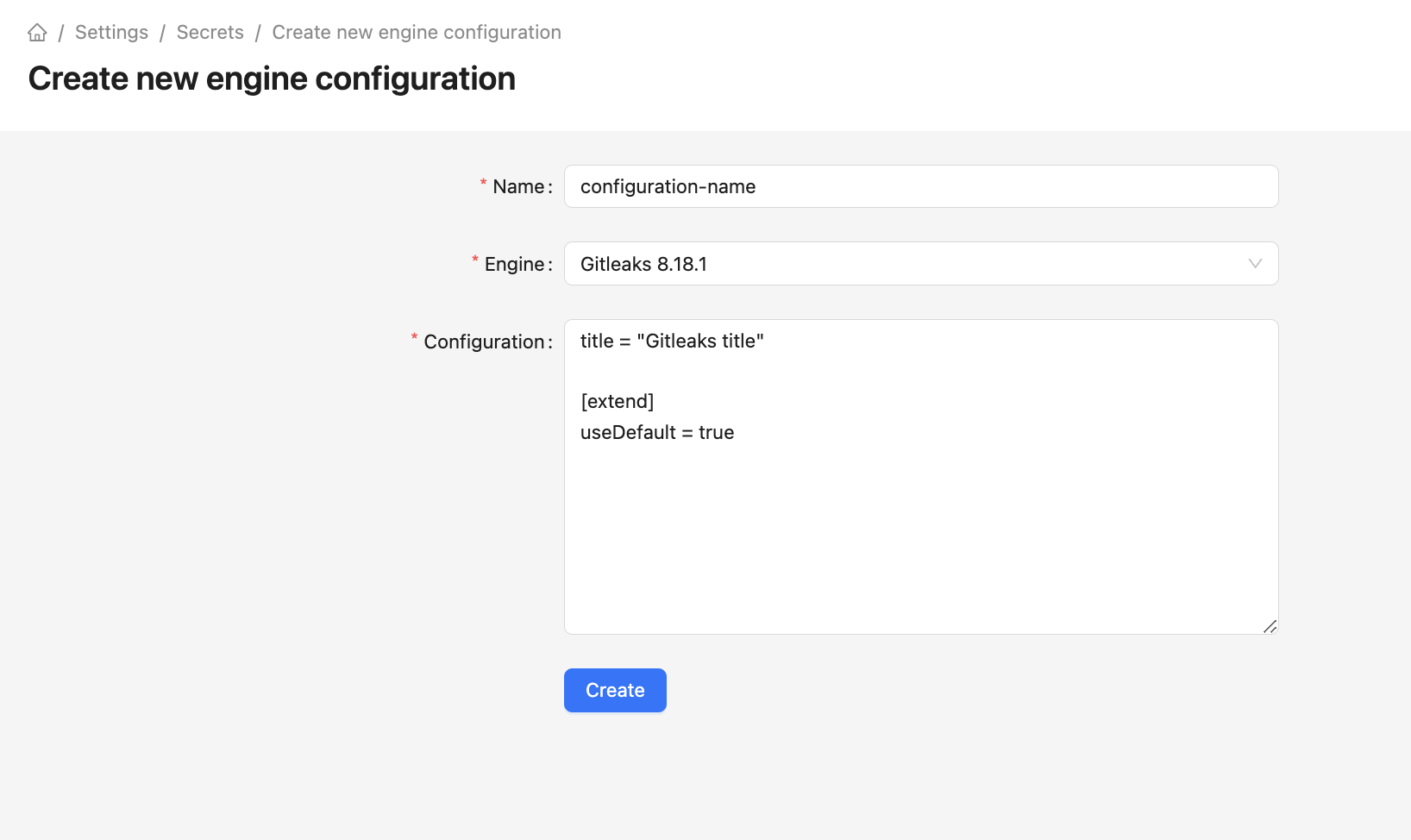
More details on configuring the Gitleaks engine can be found in the tool documentation.
Example configuration for TruffleHog:
More details on configuring the TruffleHog engine can be found in the tool documentation.
Example configuration for Kingfisher:
More details on configuring the Kingfisher engine can be found in the tool documentation.
Setting up default engine configuration
To set the default configuration you need to click the Use by default button in the configuration settings.
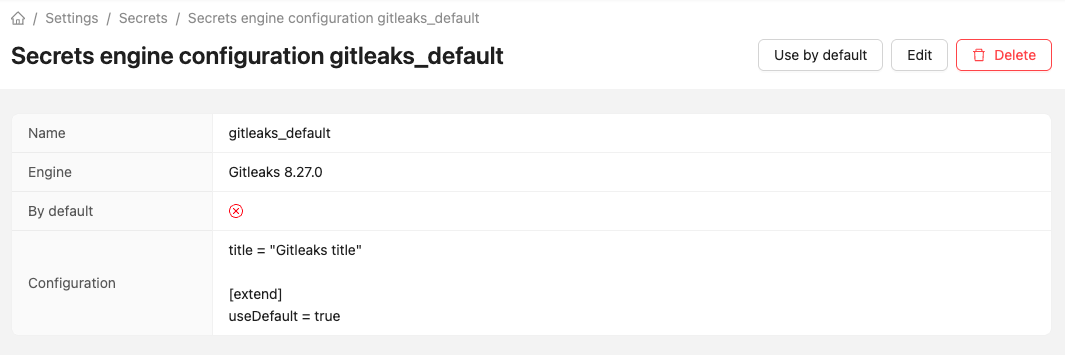
You cannot set more than one default configuration, nor can you delete a configuration that is set as default.
To use the default configuration for a project check the Use default flag in the Secrets section of the project settings. The configuration currently used by default will be shown in parentheses.
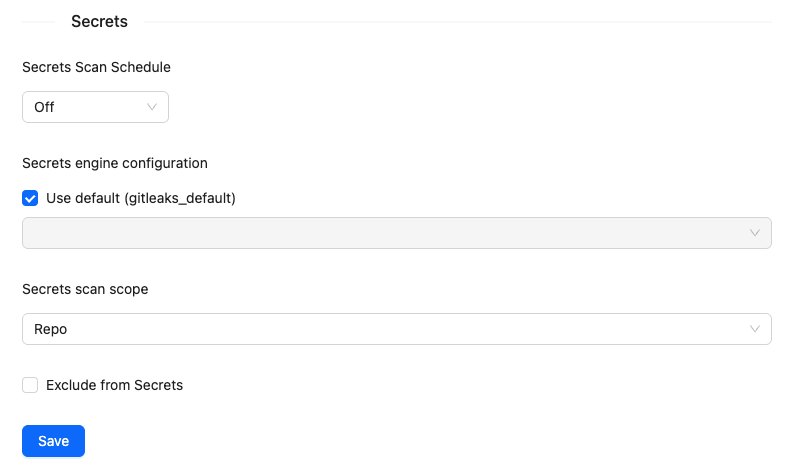
When setting a new default configuration, all projects with the Use default flag selected will use the new configuration.
When creating a new project, a default engine configuration is automatically set. This configuration can be changed in the project settings in the Secrets section.