
Ignoring policies
Triggered policies can be temporarily or permanently ignored during analysis. The ignore condition will allow you to leave policies in the system without receiving alerts about their triggering, for example, if a vulnerability in a component is not applicable to a specific project.
Creating ignores
Ignore conditions are created and configured under Settings -> Policy ignores. Select the SCA or OSA module when creating an ignore. The list shows the module and supports filtering by it. You cannot change an ignore's module after creation.
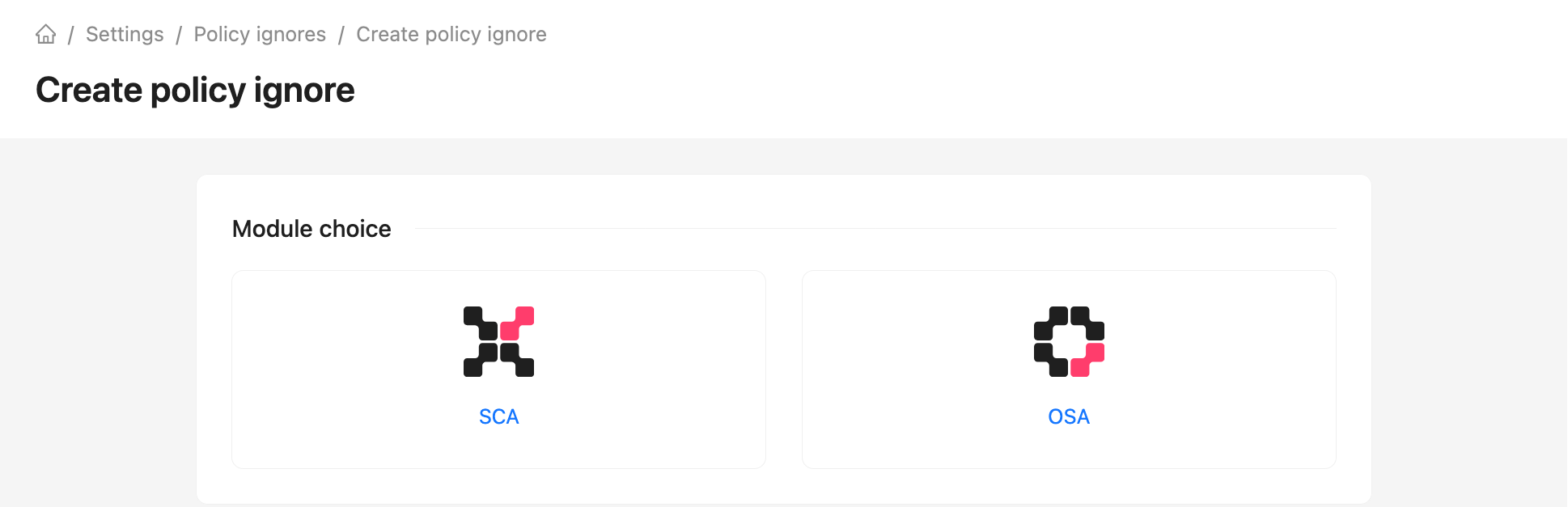
To create an ignore condition for one or more policies, click Create. An ignore can be linked only to policies in the same module. The scope depends on the module:
- SCA — Groups and Projects to which the ignore applies;
- OSA — Container images in registries to which the ignore applies.
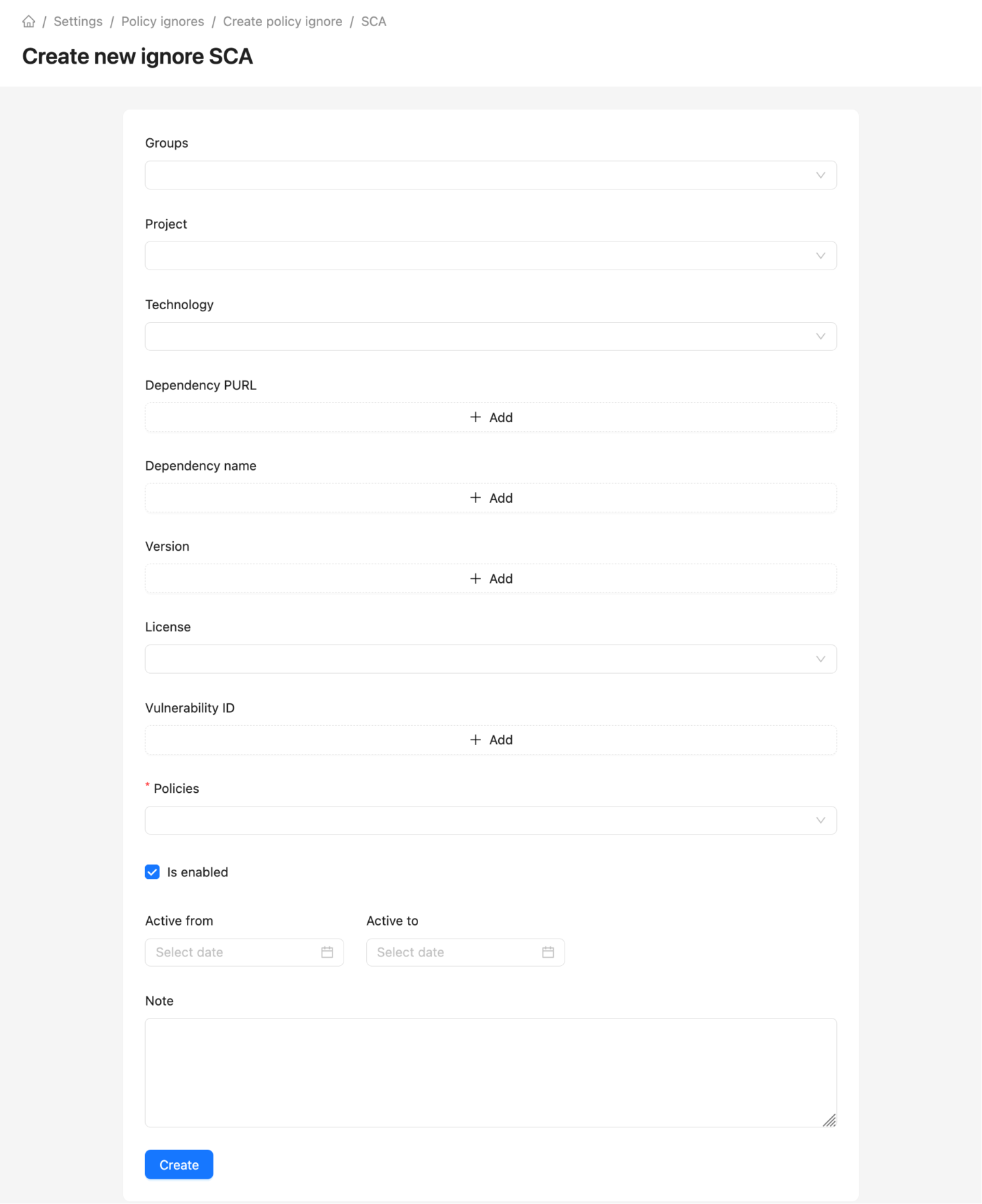
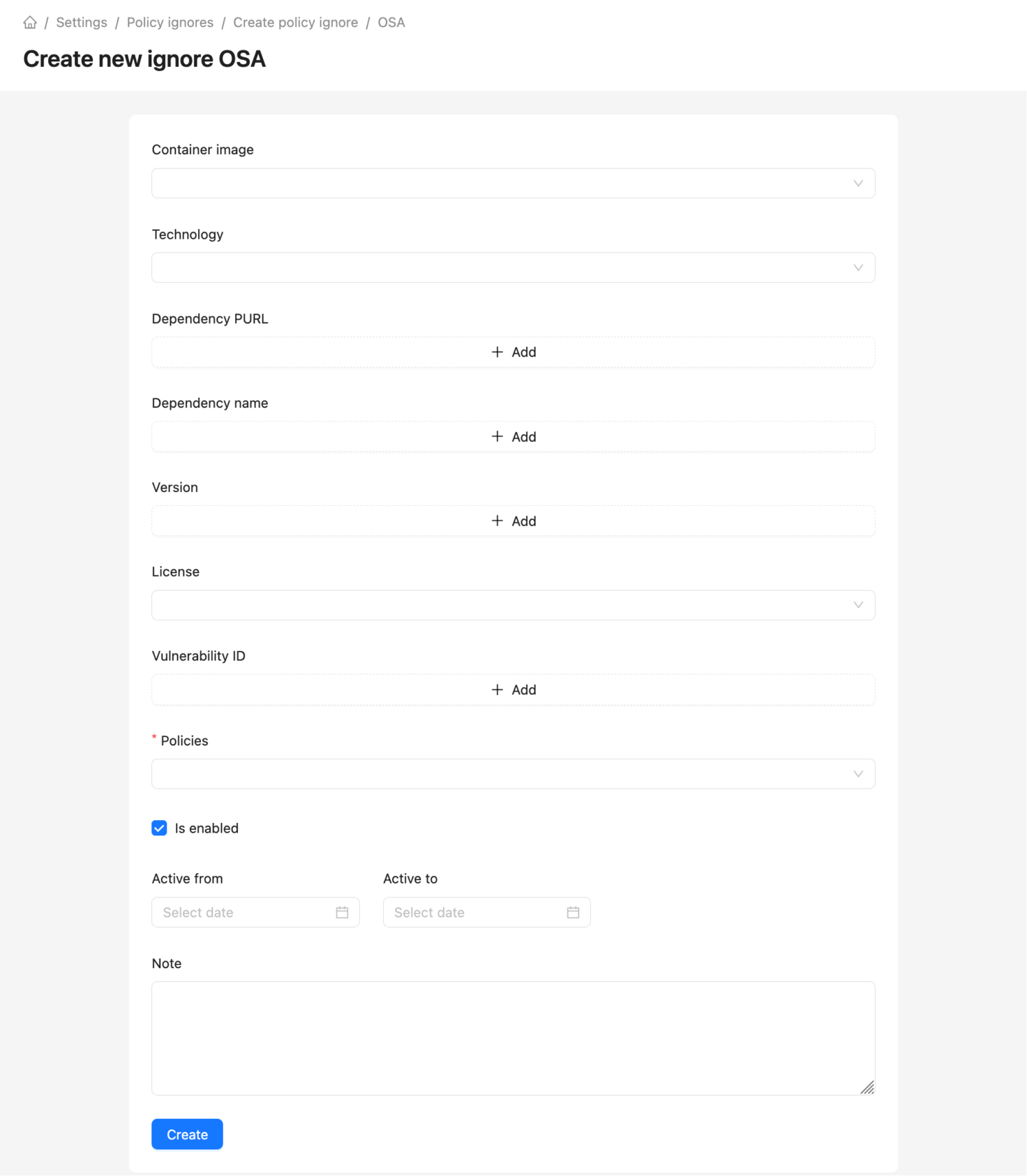
Both modules have these fields:
- Technology - programming language or ecosystem;
- Dependency PURL — package URL, component identifier;
- Dependency name - normalized package URL name or package index name;
- Dependency version - normalized package URL version or package index version;
- License;
- Vulnerability ID - vulnerability identifier;
- Policies;
- Active - ignore state;
- Activation date - date from which the ignore will start working;
- End date - date after which the ignore will stop working;
- Note.
For an enabled ignore, fill in at least one scope field or condition: technology, dependency PURL, name or version, license, or vulnerability ID. Selecting a policy alone does not meet this requirement.
Alert ignore based on PURL uses partial matching semantics: if a specified PURL omits any components, the match is treated as positive.
For example: alert with dependency PURL pkg:conda/setuptools@65.1.0?build=py310h2ec42d9_0&channel=conda-forge&subdir=osx-64&type=tar.bz2 would be ignored by specified ignore PURL pkg:conda/setuptools@65.1.0.
However, the dependency PURL will not be treated as a match for pkg:conda/setuptools@65.1.0?subdir=foo, as the subdir qualifier differs.
Ignore results
The policies that were subject to the ignore condition are displayed on the "Ignored" tab of the Alerts section.
Triggered active policies can also be quickly ignored from the "Active" tab using the Ignore button.
When creating an ignore from an alert, its module is inherited from the policy that triggered the alert. The scope is tied to the project for SCA alerts or to the container image for OSA alerts, when present.
Ignores after upgrading
During the policy split, existing ignores are assigned to modules based on their linked policies and scope. An ignore spanning both modules may be split into two records. Group and project links remain with the SCA ignore, while container image links remain with the OSA ignore; linked policies and alerts are assigned to their respective modules. After upgrading, review ignores that previously covered both types of objects.
Users with restricted access can view SCA ignores linked to their available projects or groups. They can view OSA ignores when they have OSA access and the module is available.