
Searching secrets without a VCS link and via Johnny
Importing a report into a project
You can import a separately created report in json format into a project. You can read about using Gitleaks in the command line in the tool documentation.
- After receiving the report from the tool, go to the Secrets tab of the selected project (the Import report file button is on the project page — see launching secret search).
- Click the Import report file button.
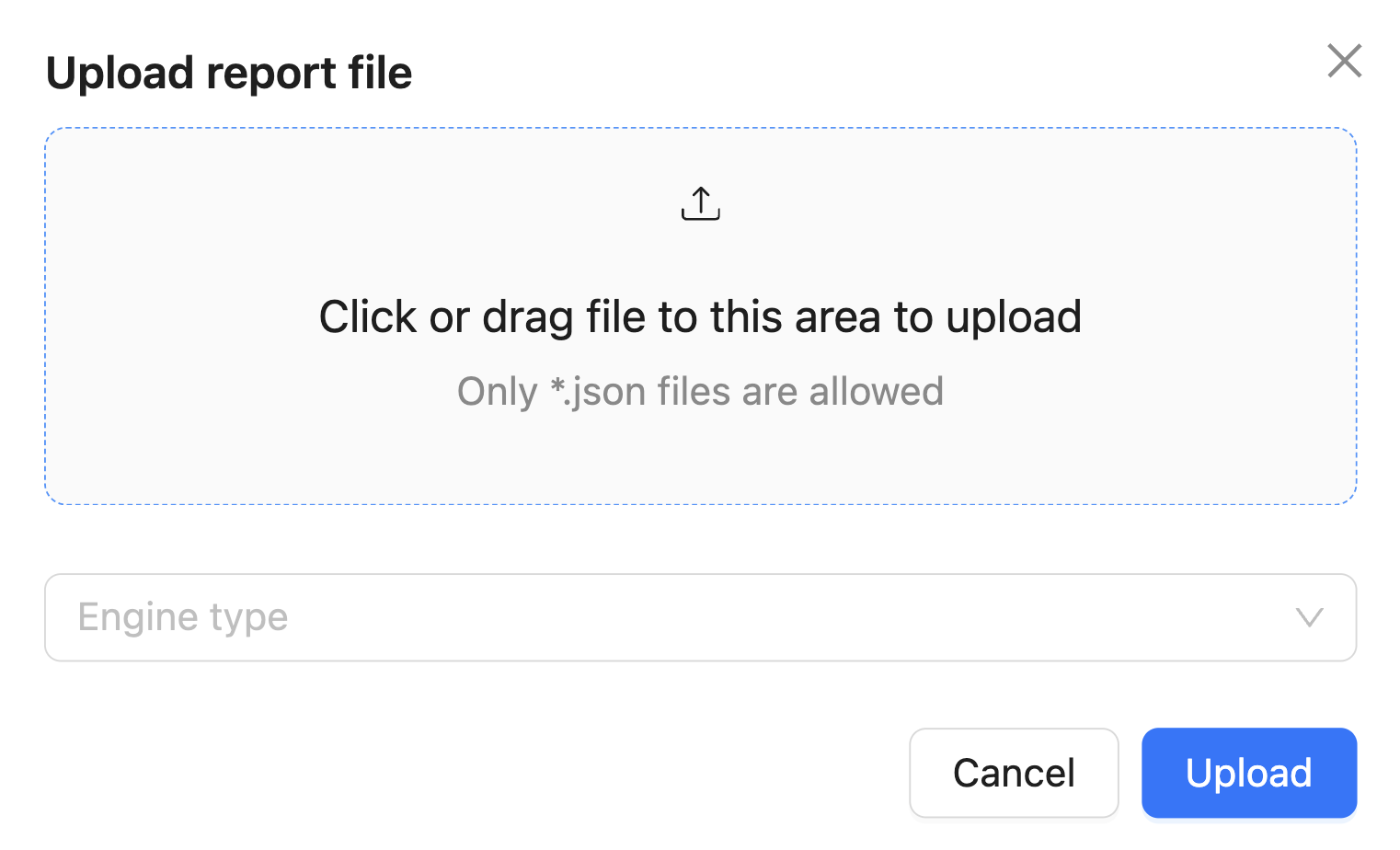
- Select the report file, specify which tool created it in the Engine type field, then click Upload.
Scanning via Johnny
To scan secrets in a CI/CD pipeline and local directories, use the secrets gitleaks dir, secrets trufflehog filesystem and secrets kingfisher dir commands in the Johnny console agent.
To scan a local git repository, use the secrets gitleaks git, secrets trufflehog git and secrets kingfisher git commands.
Important: the agent works with Gitleaks 8.19.0+, TruffleHog 3.93.8+ and Kingfisher 1.102.0+.
For more details on using the command, see the console agent documentation.
Was this page helpful?