Launching secret search
Search for secrets in a single project
Manual secret search from the UI is available for projects with a VCS link. Go to the Secrets tab of the selected project and click Run secrets analysis.

Depending on the size of the project, the analysis can last from a few seconds to a few minutes.
For projects without a VCS link, use report upload or scanning via Johnny.
Scheduled search for secrets
In addition to manual runs, you can set up scheduled analysis for projects with a VCS link.
This is controlled on the project page in Settings -> Projects.
By default, the Secrets Scan Schedule parameter is set to Off. To activate scheduled analysis, select On and choose the time and days of the week.
Note: Selected time will be treated as UTC +3.
Note: Search won't start if no secrets engine configuration for the project is selected.
Search for secrets in all projects
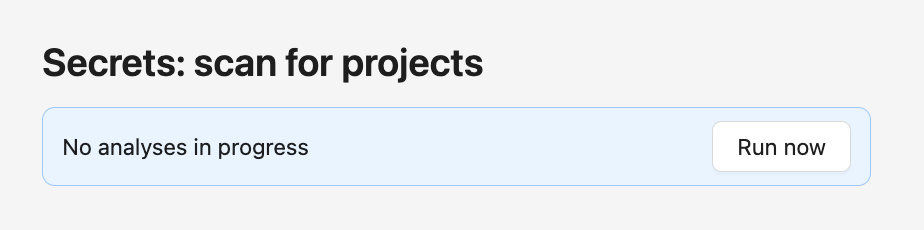
To launch the search for secrets in all projects, go to the Workmode section and click the Run now button under the Secrets: scan for projects heading.